
Owesum help
Two guides. One for players, one for whoever holds the money.
Two guides. One for players, one for whoever holds the money.
About a minute, and you never have to do sums at the end of the night.
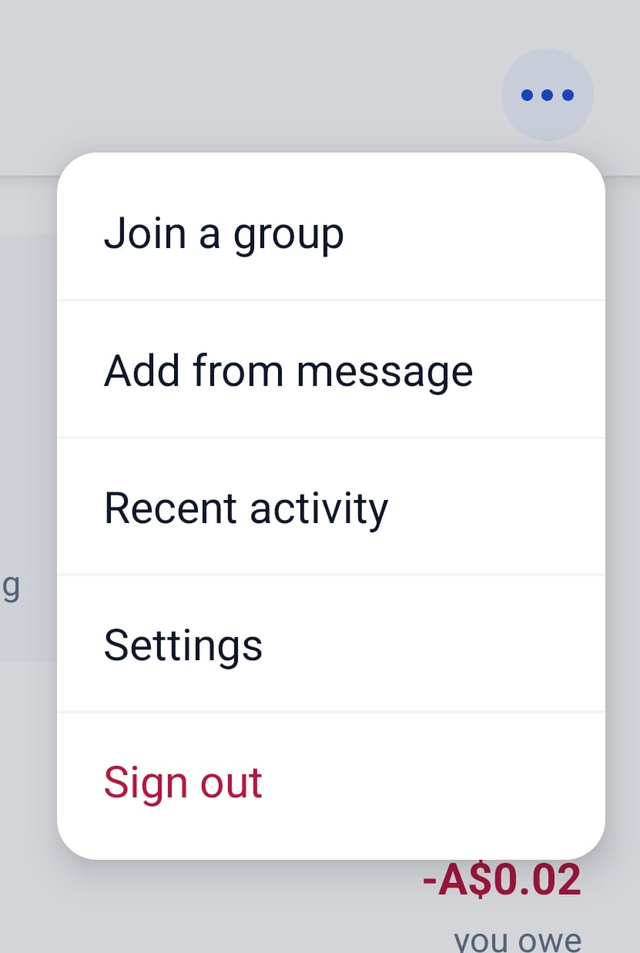
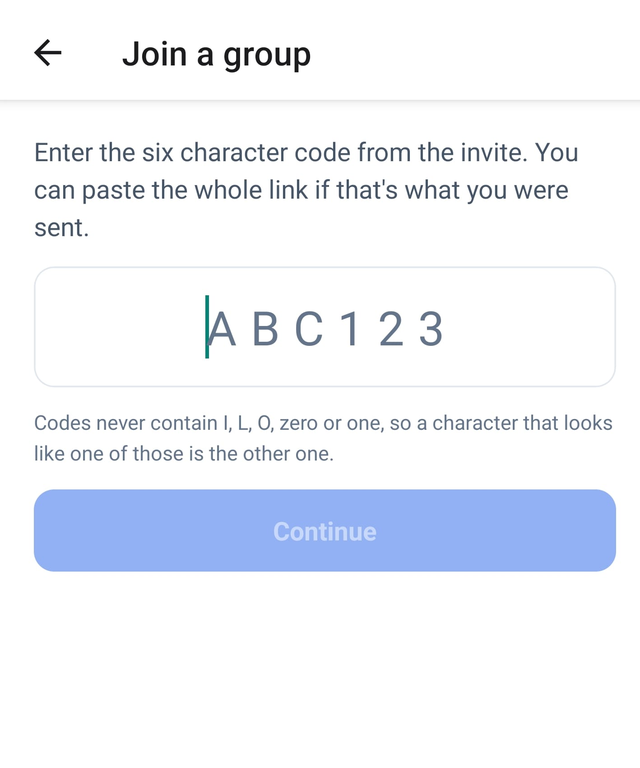
When you pay the organiser, they mark it off and your balance updates. You do not have to do anything else.
Add your email in Settings at some point. Without one, if you lose your phone or reinstall the app, your history is gone and nobody can get it back for you. It takes about twenty seconds and it is the only thing in here that is hard to undo.
Tell the organiser and they will add you by name. You still count in every split and you still owe what you owe. The only difference is that you cannot see your own balance, so you will have to ask.
Setting up takes a few minutes once. After that it is about ten seconds a session.
You choose this when you create the group, and it cannot be changed afterwards. Tap New group, give it a name, and pick Sports Club. Sessions and Balances are there from the moment it exists.
Pick carefully, because there is no switching later. An Expenses group records who paid for what. A Sports Club records sessions, who played, and what each night cost. A club has no expense entry at all, by design.
If you pick wrong, make a new group. Nothing is lost if you do it before anybody has played.
+ Member opens one screen with three ways to do it, and you can mix them:
Nobody has to give you a username any more. That was how it worked before October 2026 and it is gone.
In Balances, each person is Permanent or Casual, and you tap to switch. The only difference is that a casual pays the club's surcharge on top of their share of the night. There is no rate to type, so do not go looking for one.
At the bottom of Balances, Who can run this club. Whoever you appoint can do everything you can. Do it on day one: if you are away, nobody else can record a session or take money without it.

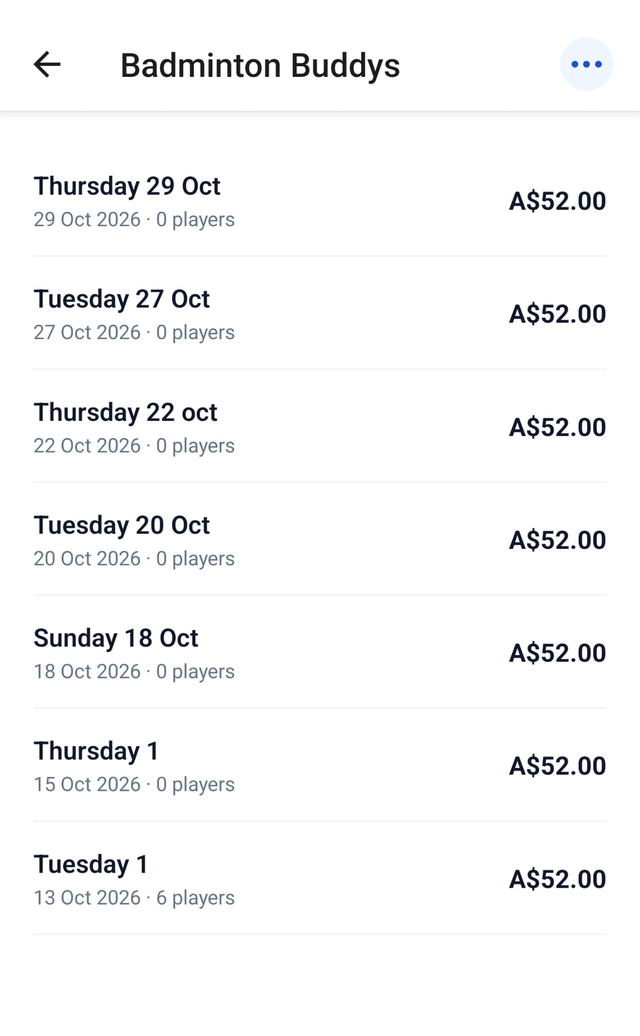
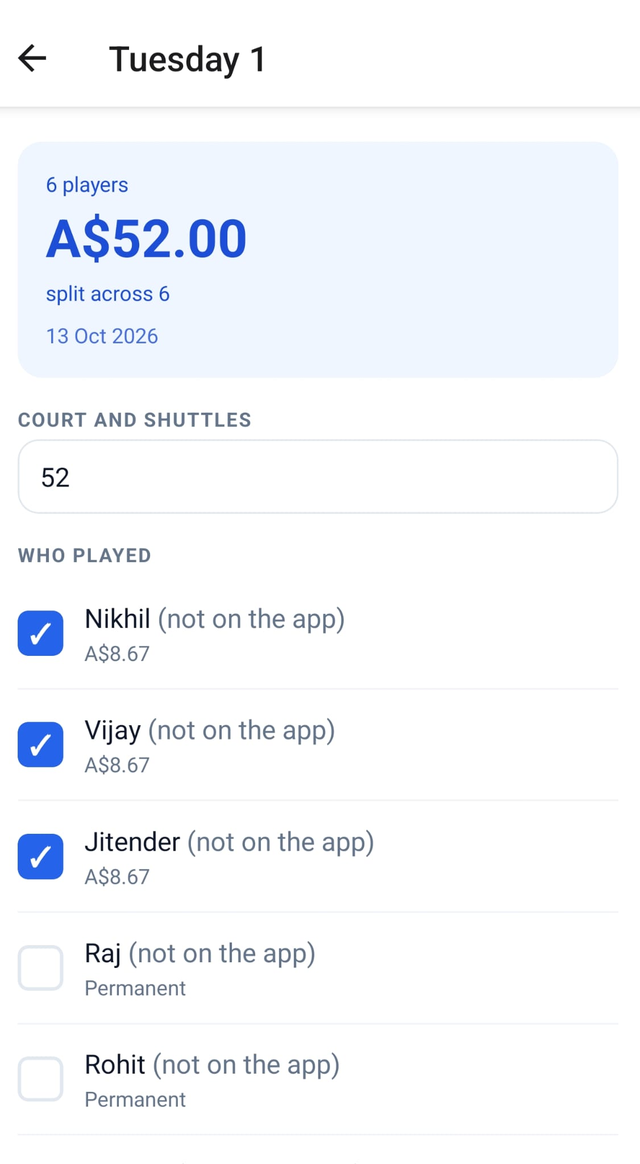
When somebody hands you cash, open Balances, tap them, Record a payment, and enter what they gave you. Everyone sees the same number immediately.
Somebody can also pay ahead. Take the money, record it, and it draws down over the following weeks as they play.

Cash recorded late is the only way this goes wrong. The app is only as right as the last payment you entered. Enter it at the court, not on Sunday.
They are not gone. The app makes a fresh account when it is installed, so you are looking at a new empty one. Go to Settings, tap I had Owesum before, and sign in with the email you added. Anything you made on this install comes across with you.
If you never added an email, there is no way back in. That is why the players guide asks you to add one.
On iPhone that is the system scanner, the same one Notes uses, and it is built for multi-page documents. Tap Save in the top right when you have your receipt. Only the first page is read.
Settings, Feedback, Send feedback. It comes straight to the developer rather than to a store review, and every one gets read.